

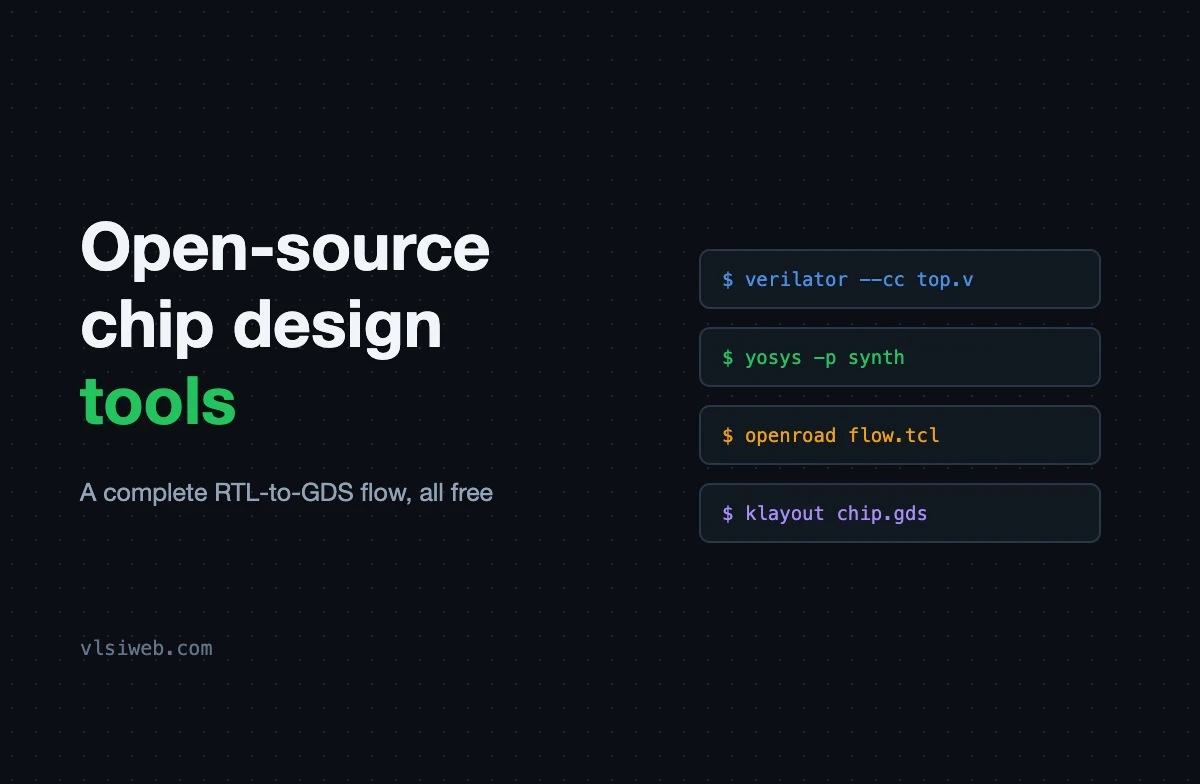
The short answer: you can now do the whole chip design flow with free, open-source tools: simulate with Verilator, Icarus Verilog or GHDL, write testbenches in cocotb, view waveforms in Surfer or GTKWave, check properties with SymbiYosys, synthesise with Yosys, place and route with OpenROAD or OpenLane, and check the layout with KLayout and Magic, all on open PDKs like SKY130, GF180 and IHP SG13G2.
Not long ago, you could not touch real chip tools without a company licence. That has changed completely. Today a student with a laptop can take a design from RTL to a manufacturable layout, and even get it fabricated. Here are the tools I would use, and what each one is for.
- The open-source flow at a glance
- Simulation and verification
- Synthesis, place and route
- Layout and physical checks
- Open PDKs and real silicon
- Where open source fits in a career
Table of Contents
Part 1: The open-source flow at a glance
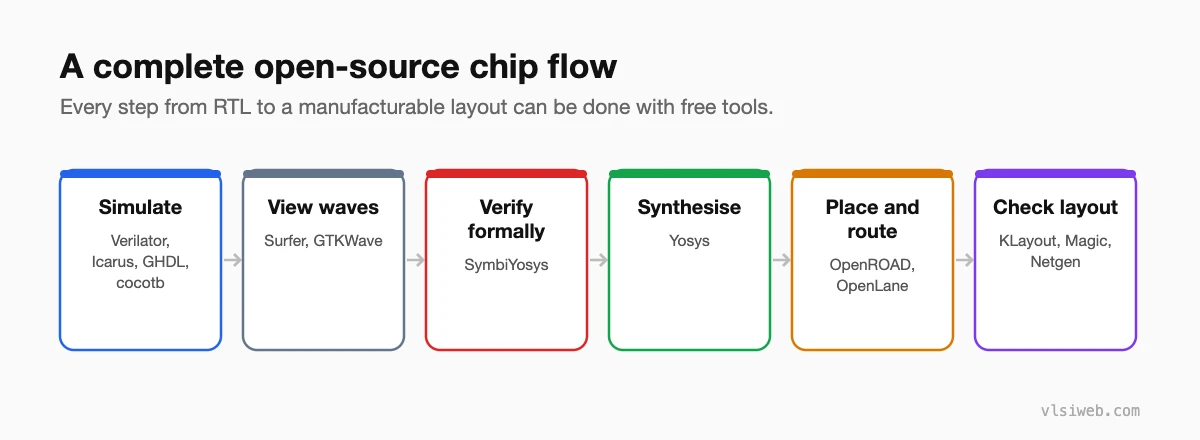
Part 2: Simulation and verification
| Tool | What I use it for |
|---|---|
| Verilator | Very fast Verilog and SystemVerilog simulation; great for bigger designs and CPUs. |
| Icarus Verilog | Simple, quick Verilog simulation for small designs and learning. |
| GHDL | VHDL simulation. |
| cocotb | Writing testbenches in Python, which many people find faster to learn. |
| Surfer and GTKWave | Viewing waveforms. |
| SymbiYosys | Formal verification: proving properties instead of only testing them. |
Part 3: Synthesis, place and route
| Tool | What I use it for |
|---|---|
| Yosys | Synthesising RTL to gates; also great for seeing what your code turns into. |
| OpenROAD | Floorplanning, placement, clock tree synthesis, routing and timing. |
| OpenLane (and OpenLane 2) | A complete automated RTL-to-GDS flow built on Yosys and OpenROAD. |
| OpenSTA | Static timing analysis. |
| nextpnr | Place and route for several FPGA families. |
Part 4: Layout and physical checks
| Tool | What I use it for |
|---|---|
| KLayout | Viewing and editing layouts, and running DRC. |
| Magic | Layout editing, DRC and extraction, popular with SKY130. |
| Netgen | LVS: checking the layout matches the netlist. |
| Xschem and ngspice | Analog schematics and SPICE simulation. |
Part 5: Open PDKs and real silicon
A PDK (process design kit) describes a real manufacturing process. Open PDKs like SkyWater SKY130, GlobalFoundries GF180MCU and IHP SG13G2 let anyone design for a real process.
Projects like Tiny Tapeout let you put a small design on a shared chip at low cost. Seeing your own design come back as silicon is the best motivation I know.
Part 6: Where open source fits in a career
Companies still use commercial tools from Synopsys, Cadence and Siemens EDA, and you will learn those on the job. But the concepts are the same. Someone who has taken a design through Yosys and OpenROAD understands synthesis, placement, timing and routing far better than someone who has only read about them, and that shows in interviews.
Practise this on VLSI Forge
I built VLSI Forge so you can write RTL in your browser, run it on a real simulator and check every signal in the waveform. Free, nothing to install.
FAQ
Can open-source tools replace commercial EDA tools?
For learning, research and many small designs, yes. For large commercial chips at advanced nodes, companies still rely on commercial tools.
Which simulator should a beginner use?
Icarus Verilog for small designs, then Verilator once your designs get bigger. Both are free.
Is it worth putting open-source flow projects on my resume?
Yes. A design you took from RTL to GDS with OpenLane is a strong, concrete project to talk about.
Do I need Linux for these tools?
Most run best on Linux. On Windows, WSL works well, and some tools have ready-made installers or containers.
